WarningAlerts
Chrome zero-day CVE-2026-125350 is being exploited: update to 157.0.8103.50
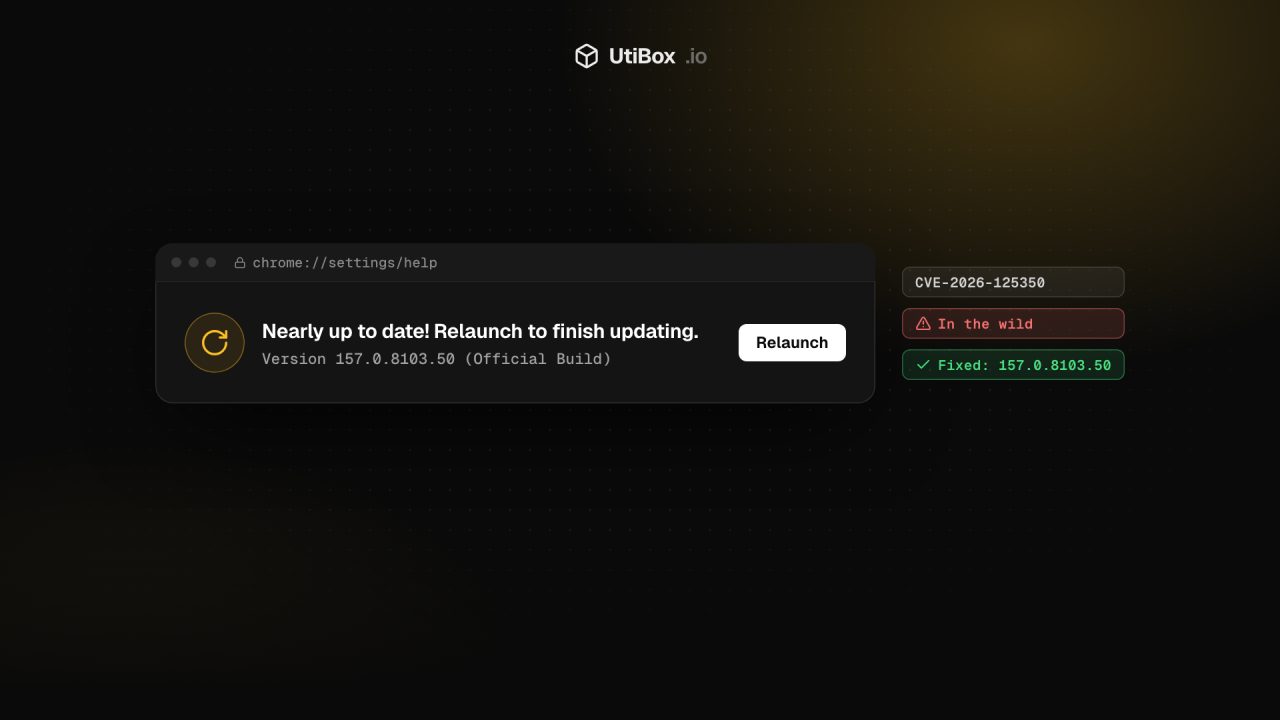
Google fixed a use-after-free bug in Chrome’s XML handling on 9 November 2026, saying an exploit exists in the wild. Update Chrome to 157.0.8103.50 or later, and don’t forget Edge, other Chromium browsers and the headless Chrome running on your servers.
Illustration: UtiBox
Warning
OngoingChrome zero-day CVE-2026-125350 is being exploited. Update Chrome to 157.0.8103.50 or later and relaunch the browser.
- Started
- Ends
- Not known yet
On this page 7 sections
What happened
On 9 November 2026 Google released a Chrome update with nine security fixes. One of them came with this warning:
Google is aware that an exploit for CVE-2026-125350 exists in the wild.
Chrome Releases blog, 9 November 2026
CVE-2026-125350 is a use-after-free in Chrome’s XML component, rated High. The public CVE record says it “allowed a remote attacker to execute arbitrary code inside the sandbox via a crafted HTML page” in Chrome before 157.0.8103.50. In other words, the attack arrives through a web page the victim opens.
The bug was reported anonymously on 6 November, and the fix reached the Stable channel three days later. As usual, Google may keep the bug details restricted until most users have the fix.
On 10 November 2026 CISA added CVE-2026-125350 to its Known Exploited Vulnerabilities (KEV) catalog and gave US federal agencies until 24 November to patch. CISA’s entry notes that the flaw “could affect multiple web browsers that utilize Chromium, including, but not limited to, Google Chrome, Microsoft Edge, and Opera.”
What “inside the sandbox” means
Chrome runs web pages in sandboxed processes that have limited access to the rest of your computer. A bug that gives an attacker code execution inside the sandbox is a foothold in the browser, not full control of the machine: for that, attackers generally need a second bug that escapes the sandbox. Google hasn’t said whether one was used in these attacks, so don’t assume it wasn’t.
Fixed versions
| Platform / channel | Fixed version |
|---|---|
| Chrome for Windows and Mac (Stable) | 157.0.8103.50/.51 |
| Chrome for Linux (Stable) | 157.0.8103.50 |
| Chrome for Android | 157.0.8103.50 |
| Extended Stable (Windows and Mac) | 156.0.8078.96 |
Google says Android releases contain the same security fixes as the matching desktop release. The Extended Stable update, for organisations that move to new major versions more slowly, lists CVE-2026-125350 among its 11 fixes.
The same release also fixes a second use-after-free in XML, CVE-2026-125346, reported by Arni Hardarson of Neonix Security on 12 October, and a type confusion bug in the V8 JavaScript engine, CVE-2026-125344. Neither is marked as exploited.
How to update
On a desktop: open chrome://settings/help (or Menu → Help → About Google Chrome). Chrome checks for the update, downloads it and asks you to relaunch. Chrome normally updates itself, but it can’t swap in the new version while it’s running, so browsers that stay open for days are often the ones left behind.
On Linux, if you installed Chrome from Google’s package repository:
google-chrome --version
# Debian / Ubuntu
sudo apt update && sudo apt install --only-upgrade google-chrome-stable
# Fedora / RHEL
sudo dnf upgrade google-chrome-stable
For managed fleets: check the version your devices actually report rather than the version you approved. An update that is downloaded but waiting for a relaunch doesn’t protect anyone.
Microsoft Edge and other Chromium browsers
Browsers built on Chromium need their own update from their own vendor. On 9 November Microsoft wrote on its Edge security release notes page:
Microsoft is aware of the recent exploits existing in the wild. We are actively working on releasing a security fix.
Microsoft Edge security release notes, 9 November 2026
As of 11 November 2026, Microsoft hadn’t named the Edge version that contains the fix. Check edge://settings/help and Microsoft’s Edge security release notes page, and do the same for Opera, Brave, Vivaldi or any other Chromium browser you use.
Don’t forget headless Chrome on servers
Many web stacks run Chrome without a screen: Puppeteer or Playwright scripts, Selenium test grids, PDF generators, screenshot and link-preview services. These often load pages you don’t control, which is exactly how this bug is triggered. They also tend to be pinned to an old browser build inside a container image and then forgotten.
Google’s Chrome for Testing builds, which Puppeteer and other tools use, already list 157.0.8103.50 as the current Stable version. With Puppeteer’s browser tool you can fetch that build directly:
npx @puppeteer/browsers install chrome@157.0.8103.50For other tools, update the tool or its browser package, rebuild your container images so they don’t keep shipping the old browser, and confirm the version the running service reports. If you can’t update a service that renders untrusted pages yet, consider pausing it or limiting it to URLs you trust until you can.
While you’re patching, the November 2026 Patch Tuesday includes another flaw already being exploited, this time in Outlook.
Sources
- Chrome Releases: Stable Channel Update for Desktop (9 November 2026) (opens in a new tab)
- Chrome Releases: Extended Stable Update for Desktop (9 November 2026) (opens in a new tab)
- Chrome Releases: Chrome for Android Update (9 November 2026) (opens in a new tab)
- CVE record: CVE-2026-125350 (opens in a new tab)
- CISA: CISA Adds Six Known Exploited Vulnerabilities to Catalog (10 November 2026) (opens in a new tab)
- CISA KEV catalog entry: CVE-2026-125350 (opens in a new tab)
- Microsoft: Release notes for Microsoft Edge security updates (opens in a new tab)
- Chrome for Testing: last known good versions (opens in a new tab)
Related


More from Alerts

OutageAlerts
AO3 is down again for “preventative maintenance” after its security incident
Archive of Our Own went offline again on Thursday, 19 November, four days after it came back from a security incident. Here’s what the Organization for Transformative Works has said, and what AO3…

OutageAlerts
Hetzner Object Storage outage: FSN1 and Helsinki regions report errors
Hetzner is reporting Object Storage problems in FSN1 (Falkenstein) and HEL (Helsinki), with requests to some buckets failing or timing out and writes slowed. Here’s the latest status from Hetzner…

ResolvedAlerts
Microsoft 365 outage resolved: Outlook, Teams and SharePoint are back
Microsoft has cleared the Microsoft 365 incident that cut users off from Exchange Online, Teams, SharePoint and more. It reports sustained recovery and says an earlier network capacity upgrade was…


