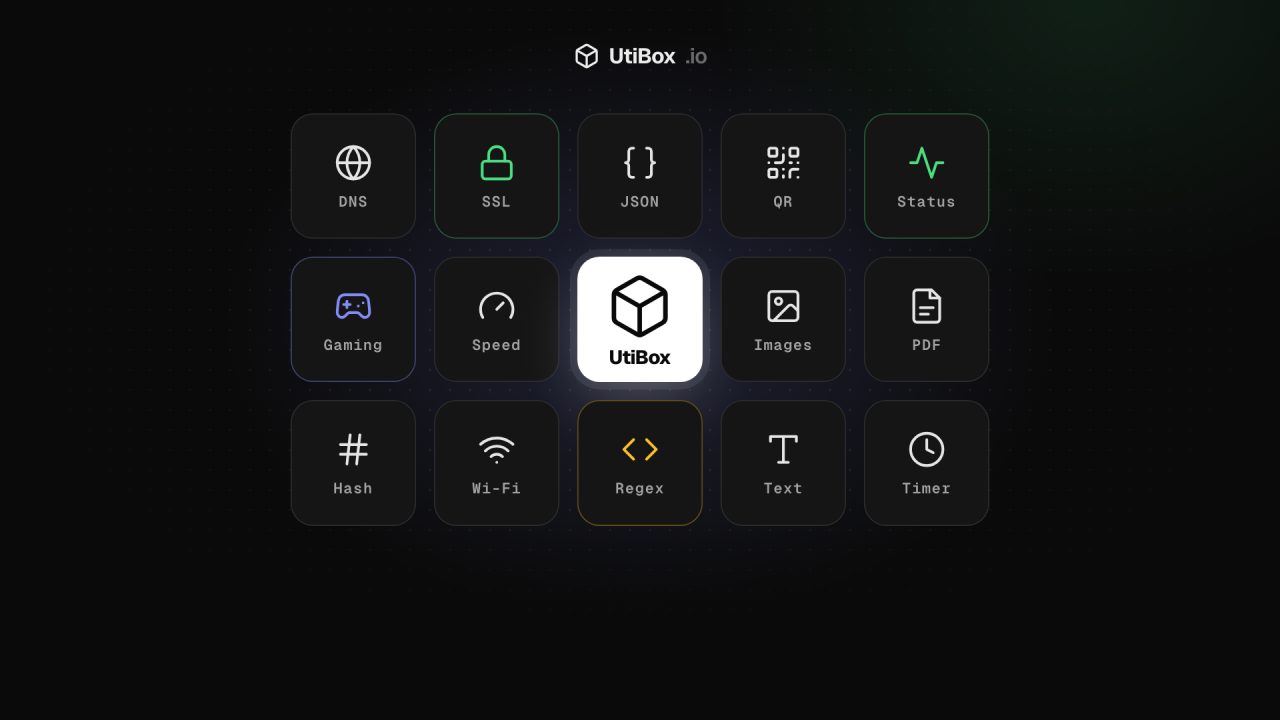
Introducing UtiBox: the Web’s Utility Box
UtiBox is live: 67 free tools and live status pages for 64 popular services, all in one place. Here’s what’s in the box today, who it’s for and where we’re taking it.
Illustration: UtiBox
Today we’re switching on UtiBox, the Web’s Utility Box.
The idea is simple. Most of us keep a messy drawer of bookmarks for the small jobs the web throws at us: a JSON formatter, a DNS lookup, a QR code maker, a “is it down or is it just me?” site, a PDF merger that hopefully doesn’t keep your files. Each one has its own design, its own pop-ups and its own idea of what “free” means.
UtiBox puts those jobs under one roof. Every tool shares the same layout, gives you a real result instead of a guess, and is free to use. Our long-term goal is to be the one place developers, gamers and hobbyists open first when they need a utility.
What’s in the box today
We’re launching with 67 working tools in nine categories:
| Category | Tools | A few examples |
|---|---|---|
| Website Status | 7 | Website Down Checker, Website Health Report, HTTP Status Checker, Redirect Checker |
| Domains & Network | 11 | DNS Lookup, SSL Certificate Checker, WHOIS Lookup, SPF & DMARC Checker, Internet Speed Test |
| SEO & Marketing | 8 | Meta Tag Checker, Open Graph Preview, Robots.txt Tester, Broken Link Checker |
| Developer Tools | 10 | JSON Formatter, JWT Decoder, Regex Tester, Hash Generator, Unix Timestamp Converter |
| QR & Generators | 7 | QR Code Generator, Wi-Fi QR Code, Password Generator, Username Generator |
| Everyday Tools | 7 | Typing Test, Stopwatch & Timer, Spin the Wheel, Unit Converter |
| Text & Writing | 6 | Word Counter, Case Converter, Text Compare, Slug Generator |
| Image Tools | 6 | Image Compressor, Image Resizer, Image to WebP, Favicon Generator |
| PDF & Documents | 5 | Merge PDF, Split PDF, Compress PDF, JPG to PDF, PDF to JPG |
Every tool page also explains what the result means and what to do next, so you don’t need to already know the answer to understand it.
Live status pages for the services you depend on
When something stops working, the first question is always the same: is it broken for everyone, or just for me? UtiBox has status pages for 64 popular services, from GitHub, Cloudflare, Vercel and ChatGPT to Steam, PlayStation Network, Xbox Live, Fortnite and Roblox.
A status page doesn’t just repeat what people are saying. It combines:
- Our own measurements. Our server connects to the service and times each step: DNS, connection, security handshake and the response.
- Checks from other parts of the world, so you can see whether a problem is global or regional.
- What other visitors report, so you can tell when lots of people hit the same problem at once.
- The provider’s official status, where the provider publishes one.
Not on the list? Type any address into the Website Down Checker and you get the same step-by-step breakdown for that site.
Built for three kinds of people
Developers
The everyday developer kit is here: JSON Formatter, JWT Decoder, Regex Tester, Base64 and URL encoding, hashes, UUIDs and Unix timestamps. On the server side you can look up DNS records, read a site’s SSL certificate, trace redirects and see the exact HTTP status and headers a URL returns. The Website Health Report runs all of those at once and also reviews six security headers.
Gamers
Game won’t connect? Check the status page for your platform before you restart everything. The Connection Test, Ping Test and Internet Speed Test help you tell a slow connection from a broken server. Picking teams or settling an argument? Use Spin the Wheel, the Random Number Generator or the Username Generator.
Hobbyists (and everyone else)
Make a Wi-Fi QR code for the guest room, shrink a photo before you email it, merge a pile of scanned pages into one PDF, convert units or count down to a date. No tutorials needed.
Your files stay on your device
Most UtiBox tools run entirely in your browser. When you compress an image, merge a PDF, format JSON or decode a token, the work happens on your own device and the file isn’t uploaded to us.
Some jobs can’t be done from a browser: looking up DNS records, reading a certificate or checking whether a website answers. Those tools run on our server, and each tool page says which kind it is.
Free to use, no paywall
Every tool works the moment the page loads, with no “three free uses per day”.
News, alerts and guides on this blog
This blog is where we’ll keep you up to date on the parts of the internet that break:
- Alerts for urgent security problems and major outages, with exactly what to do. Our first three cover the php2shell flaws in PHP, the “sshole” OpenSSH password bypass and zero-days in Ivanti VPN gateways.
- Server & Security News explaining the incidents that matter to people who run websites, servers and apps.
- Guides with practical, step-by-step fixes, starting with hardening SSH on a Linux server and checking your SSL certificate.
Where we’re going
This is the start, not the finished box. Over the coming months we plan to add more tools in every category, more services on the status board and uptime monitoring that watches your own sites and tells you when they stop answering.
If there’s a tool you keep searching for that we don’t have yet, tell us. The most-requested ones go to the top of the list.


