WarningAlerts
WordPress core flaw CVE-2026-119977 is being exploited: update to 7.1.4
CISA says attackers are exploiting a WordPress core bug that lets anyone run code on the server while a core upgrade is in progress. Every version from 4.7 to 7.1.3 is affected. Make sure each site is on 7.1.4 or its branch’s security release.
Illustration: UtiBox
Warning
OngoingWordPress core flaw CVE-2026-119977 is being exploited. Update to 7.1.4, or your branch’s security release, now.
- Started
- Ends
- Not known yet
On this page 7 sections
What happened
On 28 October 2026 WordPress released 7.1.4, a security release that fixes 12 security issues. One of them is in a different league from the rest. The release post describes it as:
A weakness in the WordPress upgrade process which can lead to remote code execution during the upgrade window
WordPress 7.1.4 release announcement
It was reported by Umut Bayram and is tracked as CVE-2026-119977, rated 8.1 (High). On 3 November 2026 CISA added it to its Known Exploited Vulnerabilities (KEV) catalog, which only lists bugs with evidence of real attacks, and gave US federal agencies until 6 November to fix it.
How the bug works
The CVE record sums it up:
WordPress Core is vulnerable to Remote Code Execution in versions 4.7 through 7.1.3. This is due to predictable, web-accessible staging paths used during full-package core upgrades. This makes it possible for unauthenticated attackers to execute code on the server during the upgrade window.
CVE-2026-119977 record
In plain English: when WordPress updates itself, it unpacks the new release into a working folder inside wp-content/upgrade/ before copying the files into place. That folder sits inside your website, so it can be reached from a browser, and before 7.1.4 its name was easy to guess. An attacker who reaches the unpacked copy at the right moment doesn’t need a login. The CVE’s title calls it a “staged-installer” remote code execution, and its references point to the upgrader code and to setup-config.php, WordPress’s installation script.
The fix is visible in WordPress’s own source code. In 7.1.4 the upgrader adds a random 16-character suffix to the working folder’s name. It also places an index.php file in wp-content/upgrade/ so the folder can’t be listed, with a code comment that starts: “The upgrade directory is web-served.”
The catch for attackers is timing: they have to hit the site while an upgrade is running. That’s why the CVSS score rates the attack complexity as high and lands at 8.1 rather than higher. But WordPress sites upgrade often, many of them automatically, and an attacker can simply keep trying.
Fixed versions
| Branch | Fixed in |
|---|---|
| 7.1 | 7.1.4 (28 October 2026) |
| 7.0 | 7.0.8 (28 October 2026) |
| 4.7 to 6.9 | The newest security release for that branch |
WordPress says the fixes are being backported to “all branches eligible to receive security fixes (currently through 4.7)”, and that those backports “will ship as they become ready”. It also points out that only the most recent version is actively supported. If you’re on an old branch, run the minor update below and check the version it reports, then plan the move to 7.1.
How to check and update
From the dashboard, Dashboard → Updates shows your version and offers the update. With WP-CLI, run these from the site’s folder:
wp core version             # which version is installed
wp core update --minor      # newest security release on your branch
wp core update              # or move to the latest version (7.1.4)
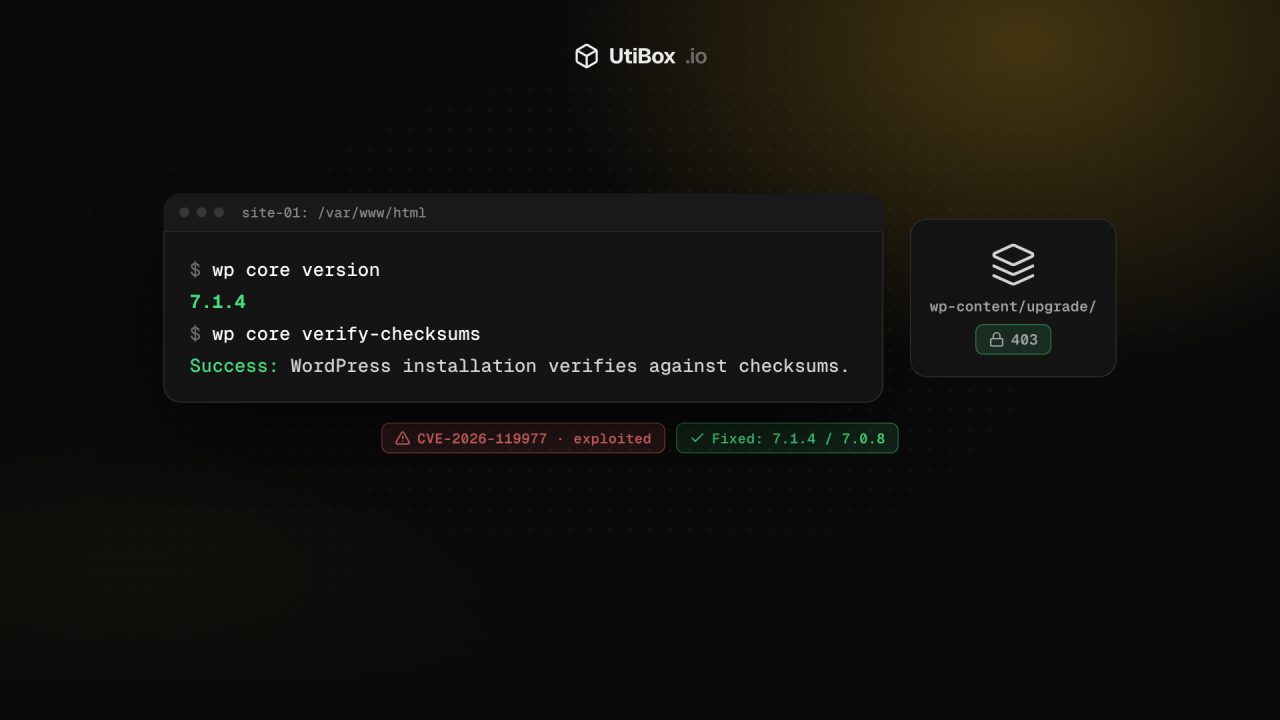
wp core verify-checksums    # confirm core files match the official release
WordPress says sites that support automatic background updates will start the update on their own. If a site didn’t update, check whether someone switched automatic updates off in wp-config.php:
grep -nE "AUTOMATIC_UPDATER_DISABLED|WP_AUTO_UPDATE_CORE" wp-config.phpExtra hardening (our suggestion)
These steps aren’t part of WordPress’s advice, but they close off the route this bug relied on. WordPress works with wp-content/upgrade/ on disk; visitors have no reason to load anything from it.
- Turn off directory listings. In Apache, use
Options -Indexes. In nginx, leaveautoindexoff (the default). - Deny web access to the upgrade folder in your server config, not in a file inside the folder, because WordPress empties that folder before each upgrade.
# Apache (site .htaccess or virtual host)
RedirectMatch 403 ^/wp-content/upgrade/

# nginx (inside the server block)
location ^~ /wp-content/upgrade/ { deny all; }
Then confirm that https://your-site/wp-content/upgrade/ returns 403 with our HTTP Status Checker, and test one update on a staging copy.
Signs you may already have been hit
If a site was behind on updates, check it before you move on:
wp user list --role=administratorfor admin accounts you don’t recognisewp core verify-checksumsfor modified core filesfind wp-content/uploads -name "*.php"for PHP files where only media should be- Leftover folders in
wp-content/upgrade/and recently changedwp-config.phpor.htaccessfiles
If you find a web shell, updating isn’t enough. Restore from a clean backup or rebuild, then change every password and key the site held, including the database password and the salts in wp-config.php. Our guide to rotating leaked secrets covers that part. And don’t forget the layer underneath: the php2shell flaws in PHP itself need a separate update.
Sources
- WordPress.org: WordPress 7.1.4 (28 October 2026) (opens in a new tab)
- CVE record: CVE-2026-119977 (opens in a new tab)
- CISA: CISA Adds One Known Exploited Vulnerability to Catalog (3 November 2026) (opens in a new tab)
- CISA KEV catalog entry: CVE-2026-119977 (opens in a new tab)
- WordPress.org: release archive (opens in a new tab)
- WordPress source: class-wp-upgrader.php at 7.1.4 (opens in a new tab)
Related


More from Alerts

OutageAlerts
Microsoft 365 outage: Exchange Online, Teams and SharePoint among services hit
Microsoft says users may be unable to connect to multiple Microsoft 365 services, including Exchange Online, Teams and SharePoint Online. Servers it returns to service are going unresponsive again…

WarningAlerts
“sshole”: any long password logs in to some Alpine and musl SSH servers
On musl-based systems such as Alpine Linux, OpenSSH without PAM could accept any password longer than 256 characters for accounts that have no password set. Update OpenSSH to 10.6p2 (or Alpine’s…

WarningAlerts
Ivanti Connect Secure zero-days gave attackers root on VPN gateways
Attackers chained three Ivanti Connect Secure flaws to get root on VPN appliances without logging in, starting on 3 October. The 13 October update doesn’t fix two of them. Update to 25.1.1.3 or…


