ResolvedAlerts
Microsoft 365 outage resolved: Outlook, Teams and SharePoint are back
Microsoft has cleared the Microsoft 365 incident that cut users off from Exchange Online, Teams, SharePoint and more. It reports sustained recovery and says an earlier network capacity upgrade was to blame, not a cyberattack. What Microsoft said, what to check now and what comes next.
Illustration: UtiBox
Resolved
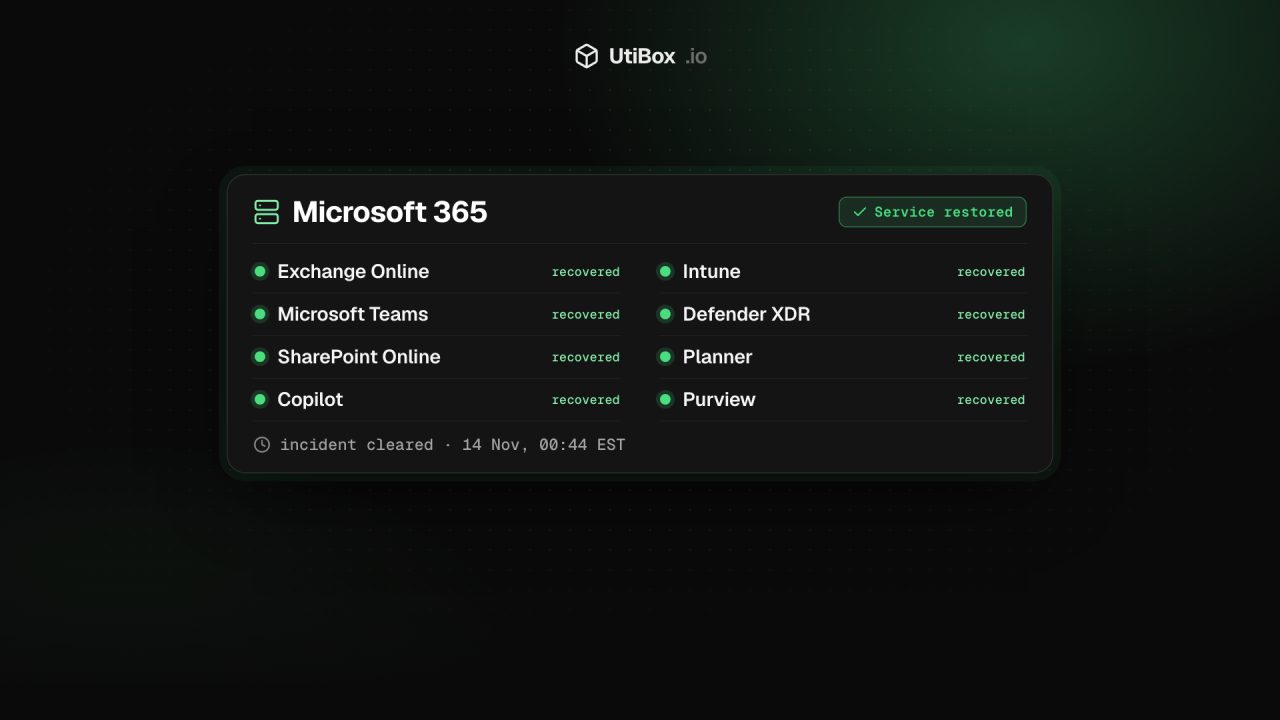
ResolvedMicrosoft 365 has recovered. Microsoft reports sustained recovery and has cleared the Exchange Online, Teams and SharePoint outage.
- Affects
- MMicrosoft 365
- Last check
- Up · 777 msjust now
- Provider says
- No active public incidentMicrosoft 365 status
- Posted
- Notice until
What Microsoft says now
Microsoft’s last public update on the incident, posted at about 5:02 pm EST on Friday 13 November, said:
We continue to observe sustained service recovery across the previously affected environments. Due to the severity of impact this incident caused, we're monitoring for an extended period to ensure no additional mitigative actions are required.
Microsoft service health status
In the same update, Microsoft said it was also watching the backlog of email built up during the outage “to ensure all process successfully before considering the issue resolved”. Overnight the incident came off status.cloud.microsoft, which now shows no active incident.
Microsoft uses that public page for problems that stop administrators reaching Service health in the Microsoft 365 admin center. Its full record of this incident, including its closing notes, is in the admin center under MO1550821 and EX1550543, the two references Microsoft gave in its updates.
What caused it
At about 12:58 pm EST on Friday, as services recovered, Microsoft apologised and gave its first explanation:
We are deeply sorry for the disruption this incident has caused you and your business. We are seeing broad recovery and stability across our services. This was a technical issue not related to cyber or AI / agents. The incident was introduced by an issue during an earlier network capacity upgrade that surfaced following a recent network change.
Microsoft service health status
In the same update Microsoft said it had “addressed the underlying issue”. Earlier on Friday it had said it had “no evidence of malicious activity associated with this incident”.
On Thursday afternoon Microsoft had already narrowed down how the problem showed itself: “the elevated load isn't driven by an increase in traffic, but by a number of servers being unexpectedly unavailable; straining the remaining infrastructure.” Servers it brought back could then fail again once traffic reached them, which is why recovery took so long.
Microsoft has not published a full root cause yet. It said it “will share a full Post-Incident Report with root cause and defense-in-depth actions after mitigation is complete.”
How the recovery went
Microsoft’s public updates on this incident ran for more than 34 hours, from Thursday afternoon until the incident cleared early on Saturday. These are the turning points, in Microsoft’s words or close to them.
| When (EST) | What Microsoft said |
|---|---|
| Thu 12 Nov, 2:12 pm | All deployments paused; traffic being moved off the affected infrastructure; affected servers being restarted |
| Thu 12 Nov, 2:31 pm | The load comes from servers being unexpectedly unavailable, not from extra traffic |
| Thu 12 Nov, 7:08 pm | Servers returned to service can become unresponsive again once they receive traffic |
| Fri 13 Nov, 2:31 am | Positive results for server stability after a patch to an upstream authentication and routing configuration component |
| Fri 13 Nov, 4:24 am | Early stabilisation; email timeout extended to 48 hours to preserve delayed mail |
| Fri 13 Nov, 7:01 am | Recovery progressing in Europe; North America improving |
| Fri 13 Nov, 7:59 am | Broader improvement in North America, sustained across much of Europe, encouraging signs in Asia Pacific |
| Fri 13 Nov, 9:02 am | Email queues significantly reduced and approaching normal levels |
| Fri 13 Nov, 12:58 pm | Apology; broad recovery and stability; cause traced to an earlier network capacity upgrade |
| Fri 13 Nov, 3:04 pm | Queued messages still draining; sign-in and access can recover before mail flow fully normalises |
| Fri 13 Nov, 5:02 pm | Sustained recovery; extended monitoring and email backlog checks |
| Sat 14 Nov, 12:44 am | Incident no longer listed on Microsoft’s public status page |
Times for posts on Microsoft’s X account are exact. Times for status page updates are when our monitor first read them, within two minutes.
Email that was delayed
To stop mail being lost, Microsoft “extended email timeout to 48 hours”. In practice, messages sent during the outage were held and retried, not bounced straight away, so some arrived hours late, and Microsoft warned on Friday that “service access can recover before mail flow fully normalizes”.
- Expect some late arrivals from Thursday and Friday, and check your junk folder for them.
- Confirm anything time-sensitive. If you sent or expected an invoice, contract or deadline email during the outage, check that it arrived.
- Resend anything that bounced. A sender who got a non-delivery report should send the message again now.
What to do now
- Still can’t connect? Microsoft said users would see a gradual recovery as their apps reconnect. If Outlook or Teams still won’t connect, close the app completely and open it again, or sign out and back in.
- Administrators: read MO1550821 and EX1550543 in Service health for Microsoft’s closing notes, and watch there for the Post-Incident Report. If your organisation is still affected, report it to Microsoft through the admin center so it is tracked.
- Undo the workarounds. Turn off any temporary mail forwarding, personal accounts or shared links you set up to keep working during the outage.
- Ignore “outage” emails asking you to sign in. Messages offering compensation or asking you to re-verify your mailbox are a common follow-up to big outages. Go to Microsoft’s pages directly, never through a link in the message.
Following it on UtiBox
Our record of this incident lists each of Microsoft’s status updates as our monitor read it, and marks the incident resolved once Microsoft’s page stayed clear. Our first post, Microsoft 365 outage: Exchange Online, Teams and SharePoint among services hit, covers the first night of the outage.
To get an email when a major outage is confirmed, and again when it’s over, subscribe to the Outage Digest.
Microsoft 365 status on UtiBox
Sources
- Microsoft service health status (status.cloud.microsoft) (opens in a new tab)
- Microsoft Admin Center Status RSS feed (Microsoft 365) (opens in a new tab)
- Microsoft 365 Status on X: deployments paused, MO1550821 and EX1550543 (12 Nov) (opens in a new tab)
- Microsoft 365 Status on X: servers unexpectedly unavailable (12 Nov) (opens in a new tab)
- Microsoft 365 Status on X: email timeout extended to 48 hours (13 Nov) (opens in a new tab)
- Microsoft 365 Status on X: email queues approaching normal levels (13 Nov) (opens in a new tab)
- Microsoft 365 Status on X: apology and cause (13 Nov) (opens in a new tab)
- UtiBox record of Microsoft’s status updates for this incident
Related


More from Alerts

WarningAlerts
WordPress core flaw CVE-2026-119977 is being exploited: update to 7.1.4
CISA says attackers are exploiting a WordPress core bug that lets anyone run code on the server while a core upgrade is in progress. Every version from 4.7 to 7.1.3 is affected. Make sure each site…

WarningAlerts
“sshole”: any long password logs in to some Alpine and musl SSH servers
On musl-based systems such as Alpine Linux, OpenSSH without PAM could accept any password longer than 256 characters for accounts that have no password set. Update OpenSSH to 10.6p2 (or Alpine’s…

WarningAlerts
Patch PHP now: the “php2shell” flaws are under active attack
Two remote code execution bugs in PHP itself, CVE-2026-109618 and CVE-2026-109619, are on CISA’s list of exploited vulnerabilities. Update to PHP 8.5.12, 8.4.27, 8.3.36 or 8.2.35, then restart PHP.


