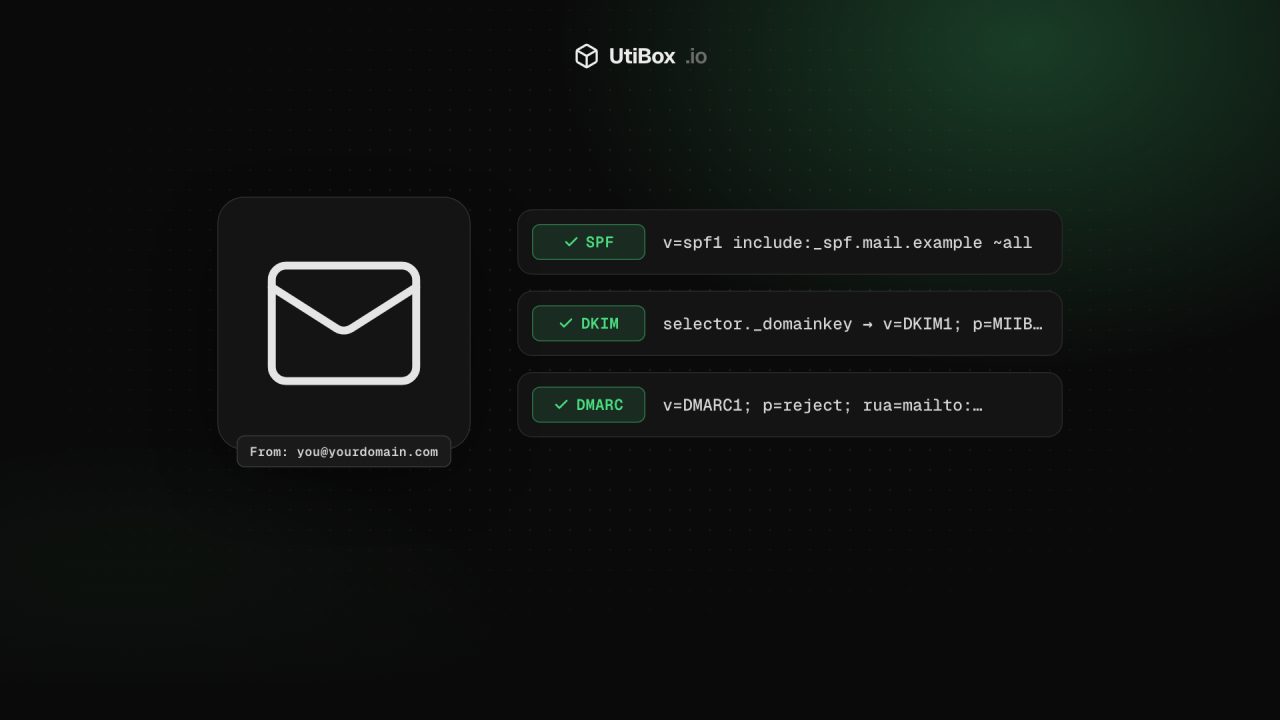
SPF, DKIM and DMARC explained: stop strangers sending email as your domain
Anyone can put your domain in the From line of an email. Three DNS records let receiving servers tell real messages from forgeries, and Gmail, Yahoo and Outlook now require them from bulk senders. Here’s what each one does and how to set them up safely.
Illustration: UtiBox
Nothing in the basic email protocol stops a stranger from sending a message that says it’s from you@yourcompany.com, and phishers rely on that. SPF, DKIM and DMARC are three DNS records that close the gap, and the big mailbox providers now require them:
- Gmail asks every sender for SPF or DKIM, and bulk senders (close to 5,000 or more messages a day to personal Gmail accounts) for SPF, DKIM and DMARC. It is rejecting more and more mail that doesn’t comply.
- Yahoo has matching requirements for bulk senders.
- Outlook.com rejects mail from domains sending more than 5,000 messages a day that don’t pass SPF, DKIM and DMARC.
Even if you send far less, these records decide whether your invoices and password resets land in the inbox or in spam.
SPF: which servers may send for you
SPF (Sender Policy Framework) is a TXT record on your domain listing the servers allowed to send its mail.
example.com. TXT "v=spf1 include:_spf.google.com include:sendgrid.net ~all"- include: pulls in your email provider’s list. Add one for each service that sends as you: your mailbox provider, newsletter tool, help desk, billing system.
- The ending matters most.
-alltells receivers to fail anything not listed, while~all(softfail) marks it as suspicious. Use~allwhile you’re still finding all your senders, then consider-all.
Common mistakes:
- Two SPF records. You may only have one
v=spf1record per domain; two make both invalid. Merge them. - Too many lookups. SPF allows at most 10 DNS lookups while it’s being evaluated. Every
include,a,mxandredirectcounts, including the ones nested inside your providers’ records. Go over and SPF fails.
DKIM: a signature on every message
DKIM (DomainKeys Identified Mail) has your mail server sign each outgoing message. The public key lives in DNS under a selector your provider gives you:
google._domainkey.example.com. TXT "v=DKIM1; k=rsa; p=MIIBIjANBgkqh…"Receivers use it to check the message wasn’t forged or changed on the way. You don’t write the key yourself: turn on DKIM in each sending service, publish the record it gives you, and use 2048-bit keys where you have the choice.
DMARC: what to do when checks fail
DMARC ties the other two to the address people actually see in the From line and tells receivers what to do with mail that fails. It lives at _dmarc:
_dmarc.example.com. TXT "v=DMARC1; p=none; rua=mailto:dmarc@example.com"- p= is the policy:
none(just report),quarantine(send to spam) orreject(refuse). - rua= is where receivers send daily aggregate reports, which show every server sending mail as your domain and whether it passed.
For DMARC to pass, a message must pass SPF or DKIM, and the domain that passed must match (“align” with) the From domain. A newsletter tool sending from its own domain can pass SPF while still failing DMARC for yours, which is why custom DKIM for every sending service matters.
Moving from none to reject without losing mail
- Start with
p=noneand a reporting address. Change nothing else for two to four weeks. - Read the reports. You’ll find services you’d forgotten sent mail for you. Fix SPF and DKIM for each legitimate one.
- Move to
p=quarantine, optionally for part of your mail first withpct=25, then 50, then 100. - Move to
p=rejectonce the reports show only legitimate, passing mail.
Aggregate reports are XML files. Free and paid DMARC report services turn them into readable dashboards if your volume is high.
Domains that never send email
Parked and spare domains are favourites for spoofing, because nobody watches them. Lock them down with three records:
example.net.         TXT  "v=spf1 -all"
_dmarc.example.net.  TXT  "v=DMARC1; p=reject;"
example.net.         MX   0 .
The last line is a null MX (RFC 7505): it tells the world this domain doesn’t accept email either.
Check your records
Our SPF & DMARC Checker reads all three records for a domain and explains each part in plain words. Add your DKIM selector to check that too. Use the MX Record Lookup to confirm where your mail is delivered, and the DNS Propagation Checker after a change to see when the big public resolvers have picked it up.
Check your domain’s email security
Sources
Related


More from Guides

HTTP status codes explained for site owners: 2xx, 3xx, 4xx and 5xx
Every response starts with a three-digit code that browsers mostly hide but search engines and uptime monitors read first. Here’s what each family means, how Google’s crawlers treat them, and what…

XML sitemaps search engines can read: limits and common errors
One unescaped character can stop a crawler reading the rest of your sitemap. Here’s what belongs in an XML sitemap, the limits set by sitemaps.org and Google, the errors that break it, and how to…

Heading structure: one H1, no skipped levels, and why it matters
Headings are how readers skim a page and how assistive technology moves around it. Here’s what the HTML standard and WCAG ask for, what Google actually says about headings, and how to check any…


